Server events
Player joins and leaves, avatar changes, worlds and portal events from the current log.
 VRChat Admin Tools
Who joined, who changed avatars before a crash and what your team already knows about a player — in one window. Moderators join a team with an invite code and see shared notes.
Verify the installer: VirusTotal report · SHA-256
Screenshots of the current version. The log, world, players and notes are fictional — this is how the app looks on an ordinary evening in VRChat.
The personal mode is free; team features are unlocked with a key. Updates arrive automatically.
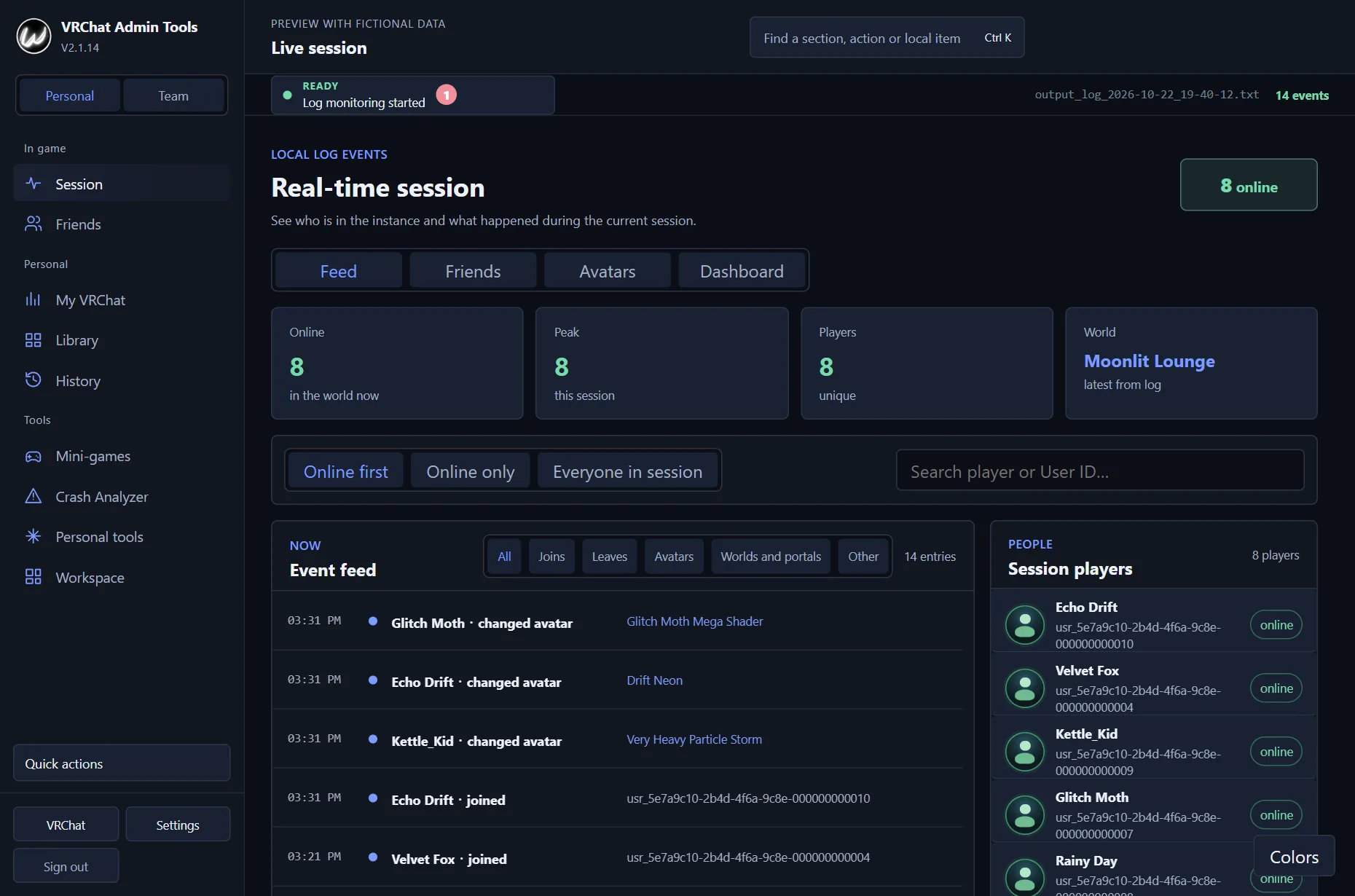
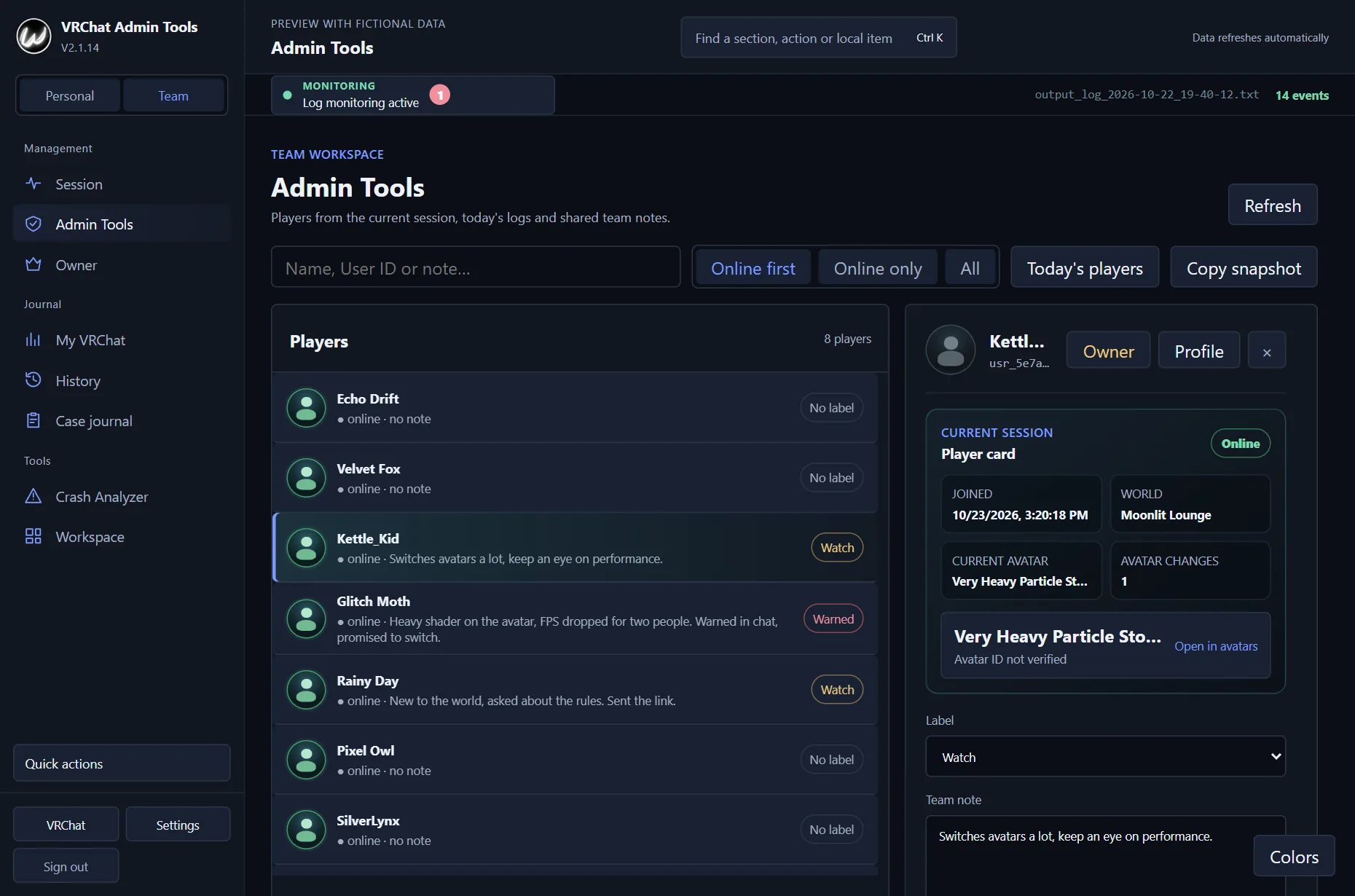
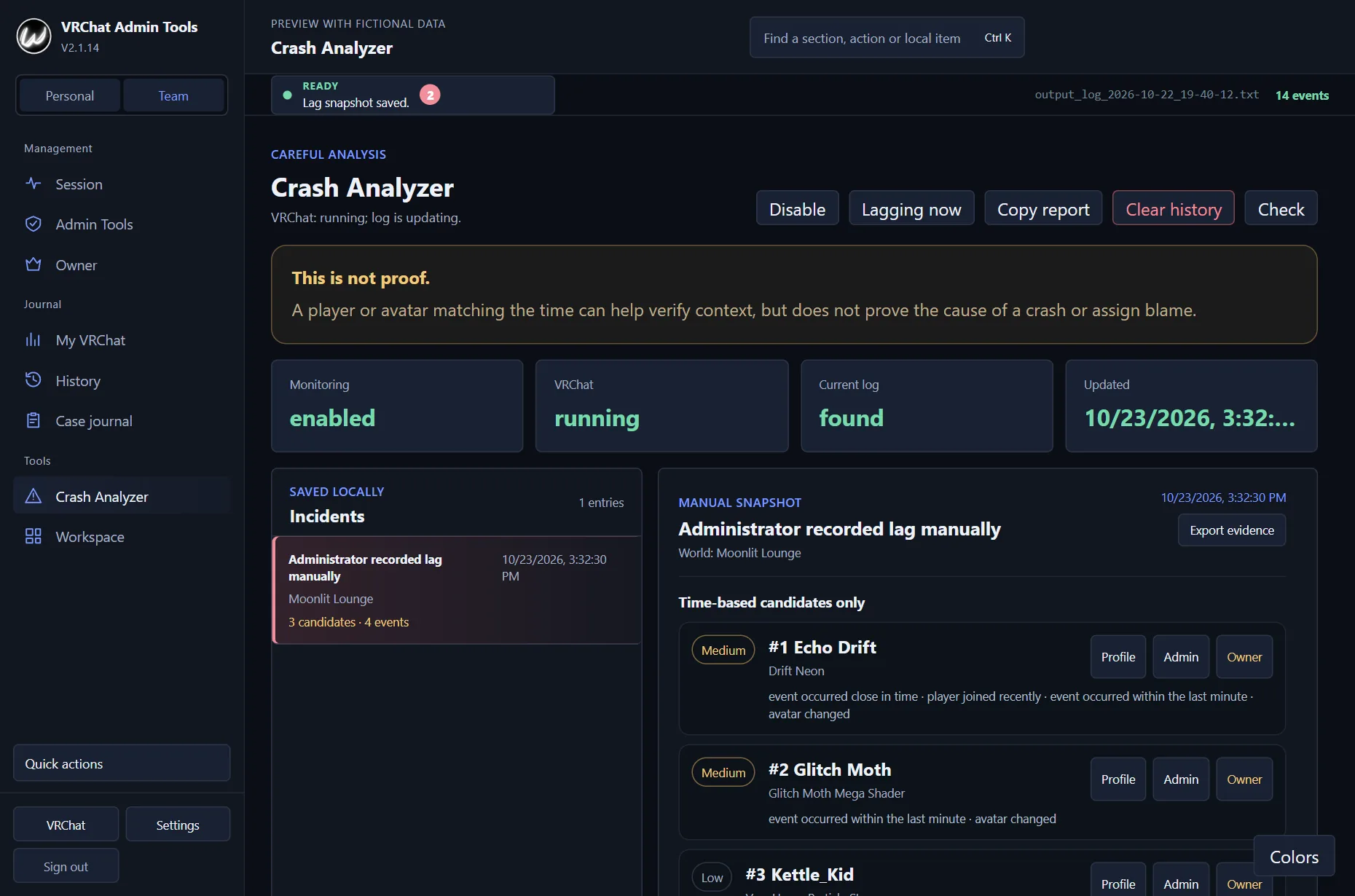
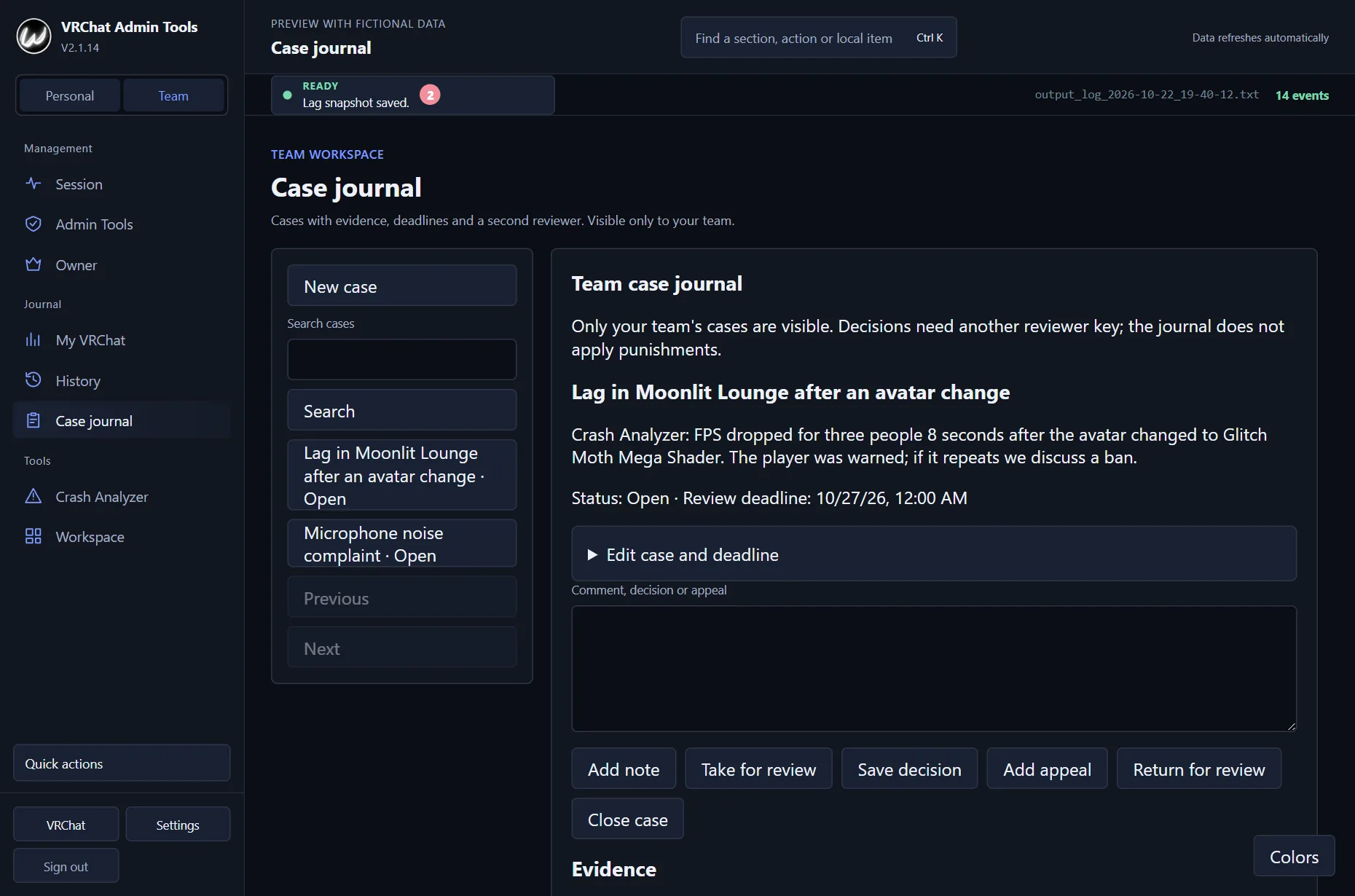
Personal history and local tools are free. Team features are unlocked with a key, and Owner rights are granted separately.
Player joins and leaves, avatar changes, worlds and portal events from the current log.
Current online count, session peak, unique players and an activity chart without manual counting.
Your time in game, visited worlds, unique players and the people you meet most often.
Player cards, shared team tags and notes with change history. Moderators join a team with an invite code.
Links between names and confirmed Avatar IDs, quick links and shared ok or crash marks.
An experimental review of the latest events before a crash, with several candidates and an explanation of the risk.
A compact window on top of VRChat with the blocks you choose: players, avatars, portals, world and Admin Tools.
View members of the linked VRChat group, existing roles and managers' notes, and remove members with confirmation. This right is granted separately to each key.
Short rounds about the worlds you have visited: remember which world came later and guess the number of saved sessions. Your history stays on the device; the games are not available without a key.
Each moderator works with their own key on their own computer. Only the team's notes and tags are shared.
One key per moderator and device. Terms from 7 to 365 days start at the first activation. Keys are currently sold only for payments from Russia.
In Admin Tools → “Team members”. The code is single-use and valid for 7 days. The team is led by its first member or by a key with Owner rights.
And immediately sees shared notes and tags. Rights to manage the VRChat group (Owner) are not passed on through an invitation.
The button leads to the installer of the current stable version for Windows.
Open VRChat and turn on local log reading. Personal history and the main sections work without a key.
For shared notes and other team features, choose a key for 7–365 days. The team lead invites the other moderators with a code.
Local logs only. The app processes the permitted output_log_*.txt files in the VRChat folder.
The cookie is entered manually. Optional sign-in is used for accurate profile and current instance data. The app does not extract the cookie from your browser.
Crash Analyzer does not pass verdicts. It shows likely events before a crash, but its result must not be used as the only evidence.
The core features are free. Paid keys come in two kinds: personal (photo atlas, notifications, reports, mini-games, no team features) and team (everything in personal plus shared team notes and tags). Terms range from 7 to 365 days. Keys are currently sold only to buyers paying from Russia; international payment is not available yet.
The moderator gets their own key. The team lead opens Admin Tools → “Team members” and clicks “Create invite code”. The moderator enters the code in the “Join with a code” field. A code works for one person and is valid for 7 days. The team lead can revoke a code or remove a member, and a member can leave the team on their own.
The installer is not yet signed with a paid certificate, so SmartScreen shows “Windows protected your PC”. Click “More info” → “Run anyway”. You can check the file itself through the “VirusTotal report” link under the download button: it shows the results of dozens of antivirus engines for this version. The client's source code is open on GitHub, and updates are downloaded only from the official release.
The live session feed, dashboard, history, “My VRChat”, avatar catalog, Crash Analyzer, Custom Builder and team notes are available with a regular key. Owner is needed only for separately permitted actions with the linked VRChat group.
Not for reading the local log. The cookie adds account verification, profile links and a more accurate online count for the current instance.
The app runs on Windows and reads logs from the PC version of VRChat. You can bring the compact window into VR with Steam.
Owner lets an approved administrator manage members of a VRChat group that was linked in advance, and only that group. The permission is granted separately to each license key: a shared Team ID syncs the team's working data but does not unlock Owner by itself.
The app checks the official GitHub release, downloads the update and offers to install it once the download is complete.
Use the project's Discord or Telegram. Describe what you did and attach a screenshot without your license key or cookie.
The interface is available in Russian, English, Japanese and Chinese (Simplified). The app picks your Windows language the first time; change it in Settings → Interface language.